Aldente Playbooks

Ask once in Slack, and it runs every shift.

Aldente Playbooks reads the cameras you already have. Ask Aldo a question in Slack, or tell it what to watch: it saves the task as a Playbook and runs it at every location.

district-west

District manager

@Aldo how’s Location 03 doing right now?

Aldo

Location 03 is busy. Three things from the floor:

  1. 14 guests seated, 9% above this time last week.
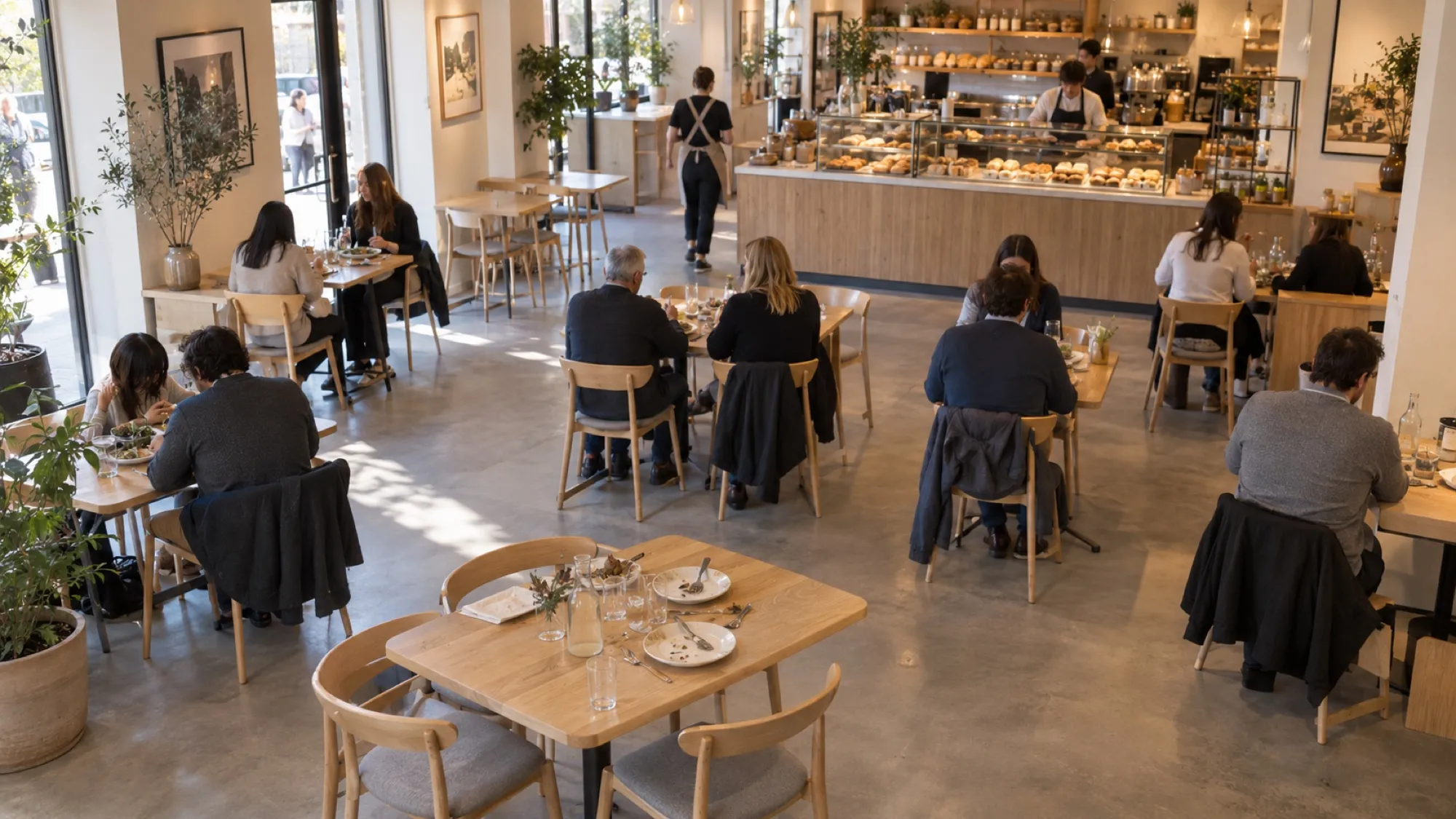
  2. Table 6 has waited 3 minutes to be cleared. I’ve asked @Maya to reset it.
  3. Counter and floor are both staffed.
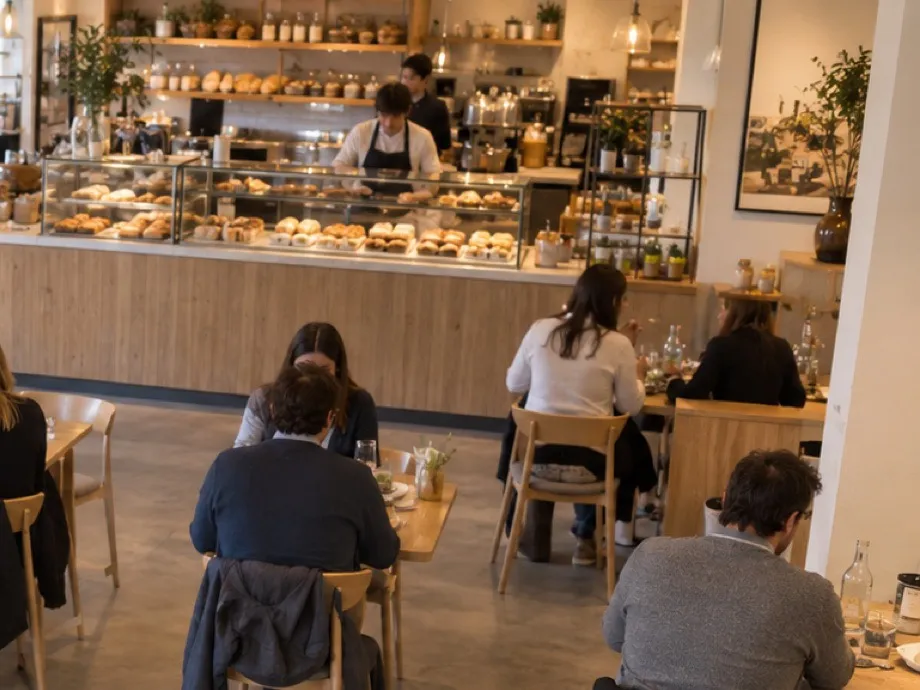
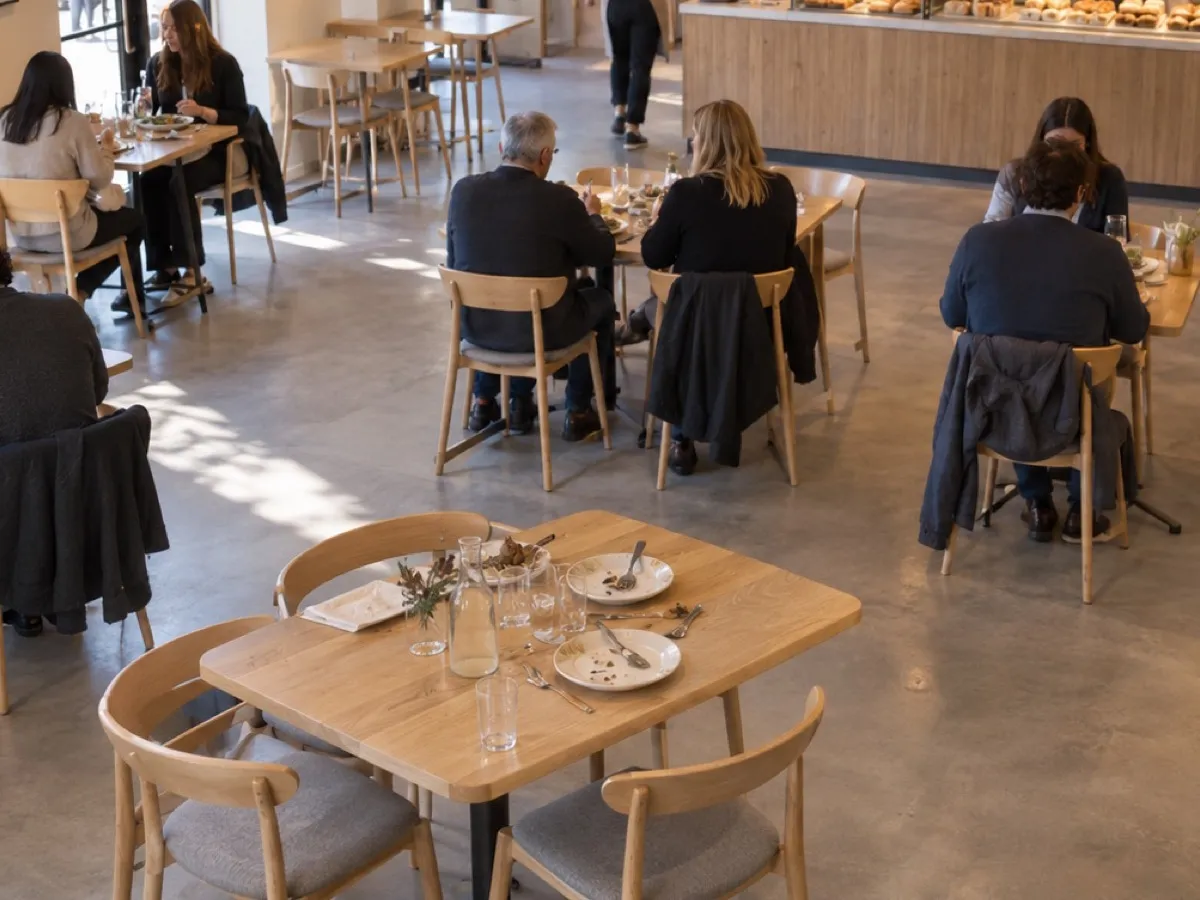
Camera clip of the dining room at Location 03, with table 6 outlinedCam 04 · Table 6

Source: Location 03, Cam 04

View clipOpen records

Aldo in Slack. Ask, assign, alert.

Ask it anything. Give it the work you repeat. Pick a tab, or let it run.

Works in SlackTelegramWhatsAppVoice

ops-leads

Area manager

Hey @Aldo, how many visitors did each location have yesterday, and when was each busiest?

Aldo

Visitors on September 30:

Location 01 · 1,198busiest 12:00–13:00
Location 02 · 946busiest 13:00–14:00
Location 03 · 1,355busiest 12:00–13:00

3,499 visitors in total, up 4%. Location 03 had the busiest hour.

Source: cameras · 3 locations

Say it once, and it becomes a Playbook.

A Playbook is a saved task: what to check, when to run, and where to send the result. Say it in a sentence, or say it out loud. Aldo confirms the details and starts working.

District manager to Aldo

After each closing shift, find missing clock-outs and attach the departure clip.
Missing clock-outs Confirmed
  1. WhenAfter each closing shift
  2. IfA clock-out is missing
  3. ThenFind the departure clip
  4. Send to#hr-ops
A case summary with the clip, ready for HR.
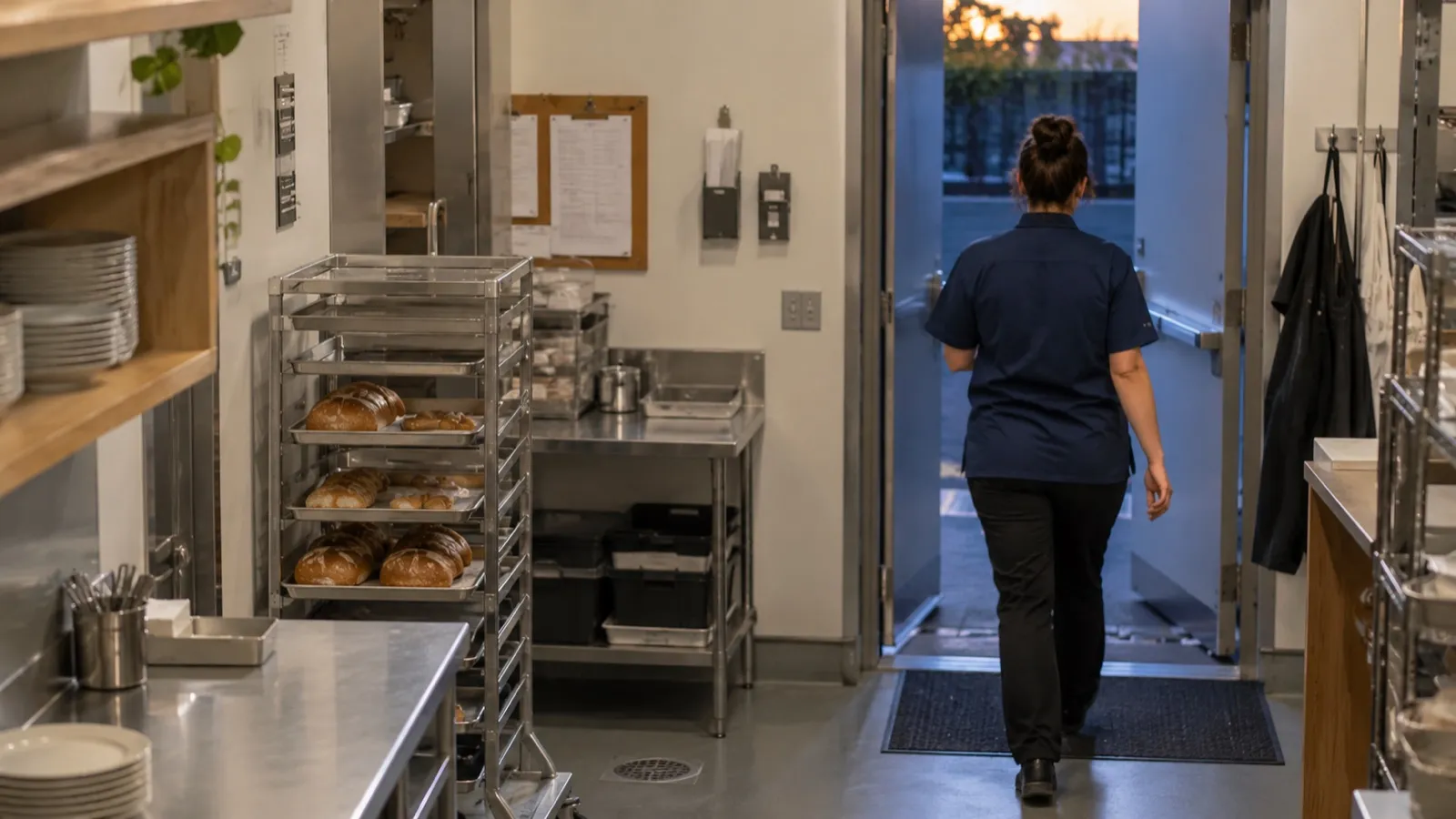
Camera frame of a staff member leaving through the back door
Cam 02 · Back door · 21:14

What the cameras read, by location and hour.

Vision AI finds the people, tables and queues on each camera. Every event adds up to the numbers Aldo answers with.
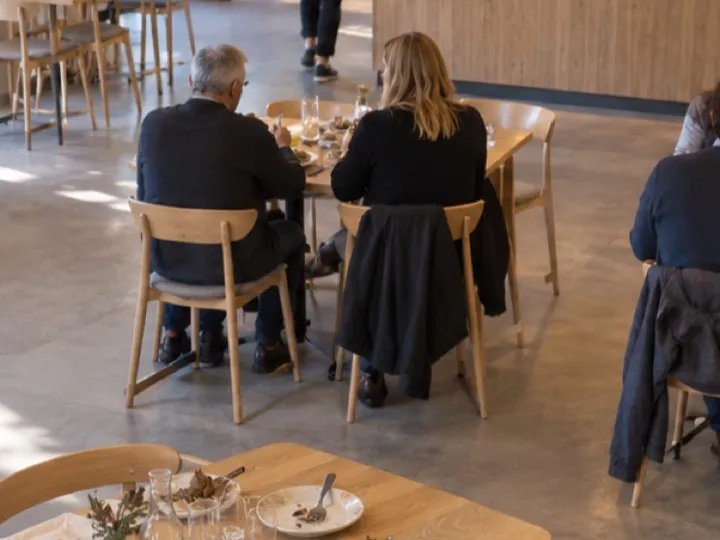
  • Camera view of guests seated at tables near the entrance
    Cam 01 · Entrance212passers-by an hour, 38% walk in
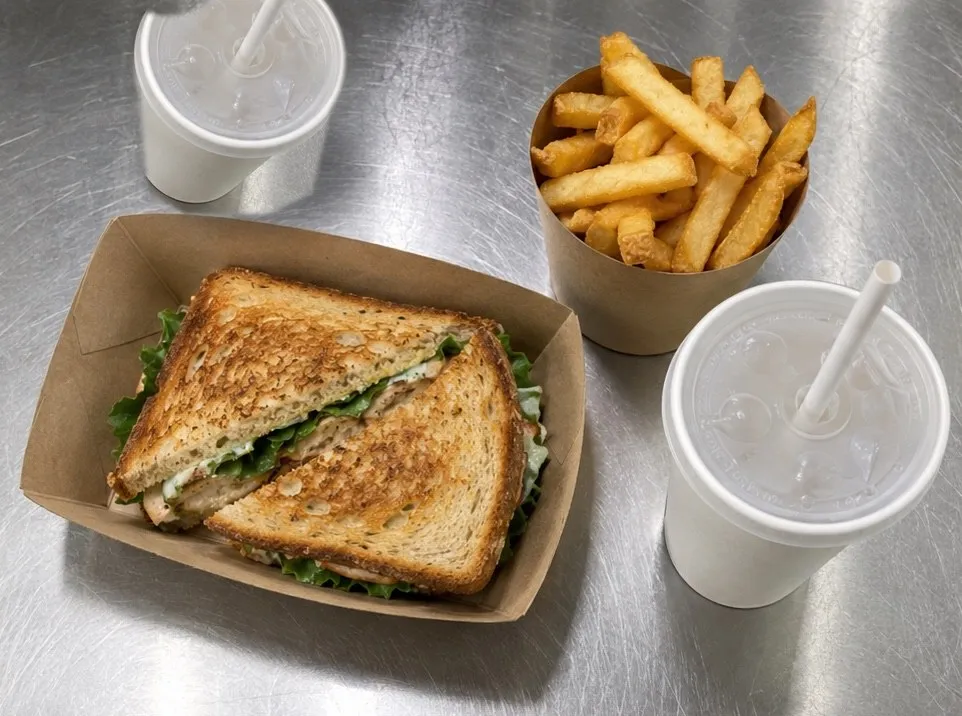
  • Counter camera: two staff behind the pastry counter
    Cam 02 · Counter2/2staff at the counter, no queue
  • Dining room camera: seated tables, and Table 6 with plates left and no guests
    Cam 04 · Dining room3:12Table 6 waiting to be cleared
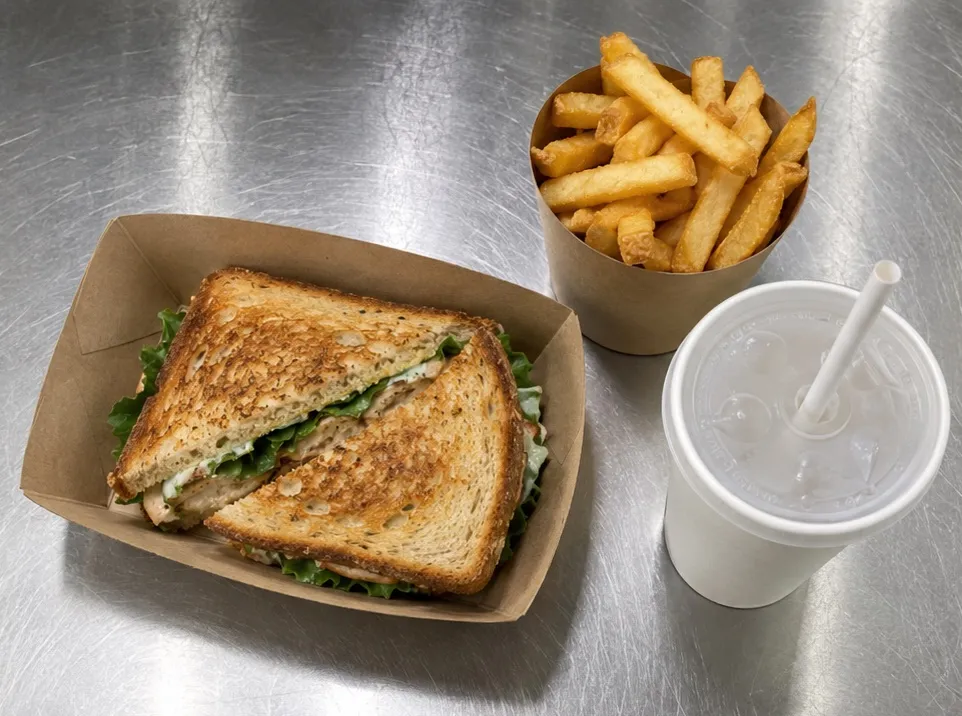
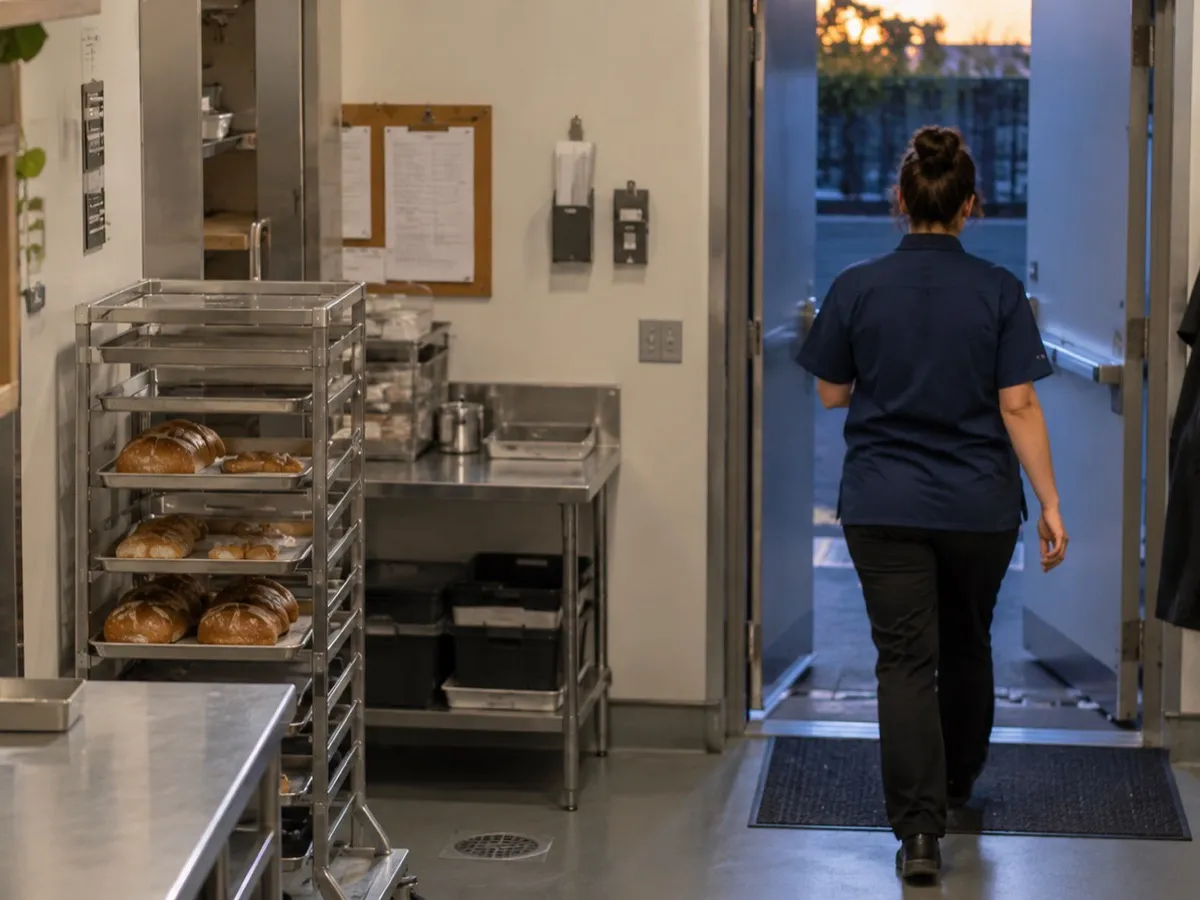
  • Back-door camera: a staff member leaving through the kitchen door at the end of a shift
    Cam 07 · Back door1departure without a clock-out
  • Visitor traffic

    Street and inside, by hour

  • Occupancy

    How full each room is, all day

  • Queues

    Length and duration, counter and drive-thru

  • Tables

    Seating time and tables to clear

  • Staff presence

    Arrivals, departures, empty stations

  • Repeat visits

    New and returning guests

  • Peak hours

    Day-by-hour heatmaps

  • Leaderboards

    Compare locations, set challenges

One colleague, every location, every shift.

  • Ask anything about any location

    Type or say a question in Slack. Aldo checks your cameras, orders and staff records and answers with the source attached.

  • Every answer shows its source

    Aldo links each answer to the clip, frame or record behind it, so your team can check before they act.

  • The right person hears first

    Route each event to the person who can act: the shift lead, the district manager, or HR. Every alert carries the location, the time and the camera view.

  • Say it out loud

    Send Aldo a voice note from the floor. It turns the request into a question or a Playbook and confirms what it heard.

  • Compare every location

    Peak-hour heatmaps, leaderboards and week-over-week trends show which locations need help and which ones to learn from.

  • Lives where your team already works

    Slack, Telegram, WhatsApp, voice, or the web dashboard. No new app to learn.

Aldo works in Slack, with data from all your systems.

Your cameras, Aldente Verify and Aldente Dispute give Aldo eyes in every location. Connect your POS, HR and inventory systems, and it answers with the whole picture.

Aldente products

  • Aldente VerifyOrders and photo evidence
  • Aldente DisputeRefund claims and evidence packs
  • Your camerasEvents and metrics

Your systems

  • POSSales and orders
  • HR and time clockShifts and clock-outs
  • Inventory and procurementStock levels and purchasing
  • Other customer systems
AldoSlack assistant

In Slack

  • Q&AAsk for what you need

    “Which location was busiest at lunch?”Aldo: Location 03, 12:00–13:00.

  • PlaybooksRepeat a task in the background

    “Check clock-outs after closing.”Aldo: 1 missing clock-out, with the clip.

How we start

Start with one location, then grow from its results.

We install, connect and tune it with your team. A location is live in 2–3 weeks, and we plan the next ones from the first results.

  1. Week 1

    Install and connect

    Connect your cameras and POS, and set Aldente up for your menu and your stations.

  2. Weeks 2–3

    Go live

    Tune accuracy, set up the alert routes and give Aldo its first Playbooks.

  3. Week 4

    Roll out

    Review the first results with your team and plan the next locations.

FAQ

Before you book, the usual questions.

What can Aldo see?

Whatever your connected cameras see, plus your orders, staff and other connected records.

Do I need new cameras?

No. Aldente Playbooks works with most existing IP cameras.

What counts as a Playbook?

One saved task with its schedule or trigger. Questions are unlimited on every plan.

Can I control who gets which alerts?

Yes. Each Playbook names its channel or person, and access follows roles and locations.

Does it know who the guests are?

No. It counts new and returning guests without names attached.

Something else? Write to [email protected], call +1 (818) 974-1857 or book a live demo.

Put Aldo on your next shift.

See Aldente Playbooks in a 30-minute demo, with questions like yours.